

Introduction
Organizations rely on websites, servers, cloud platforms, devices, and business software. Every asset can contain outdated code, missing patches, unsafe settings, or exposed services. Attackers automate their searches for these gaps, so businesses must identify weaknesses early.
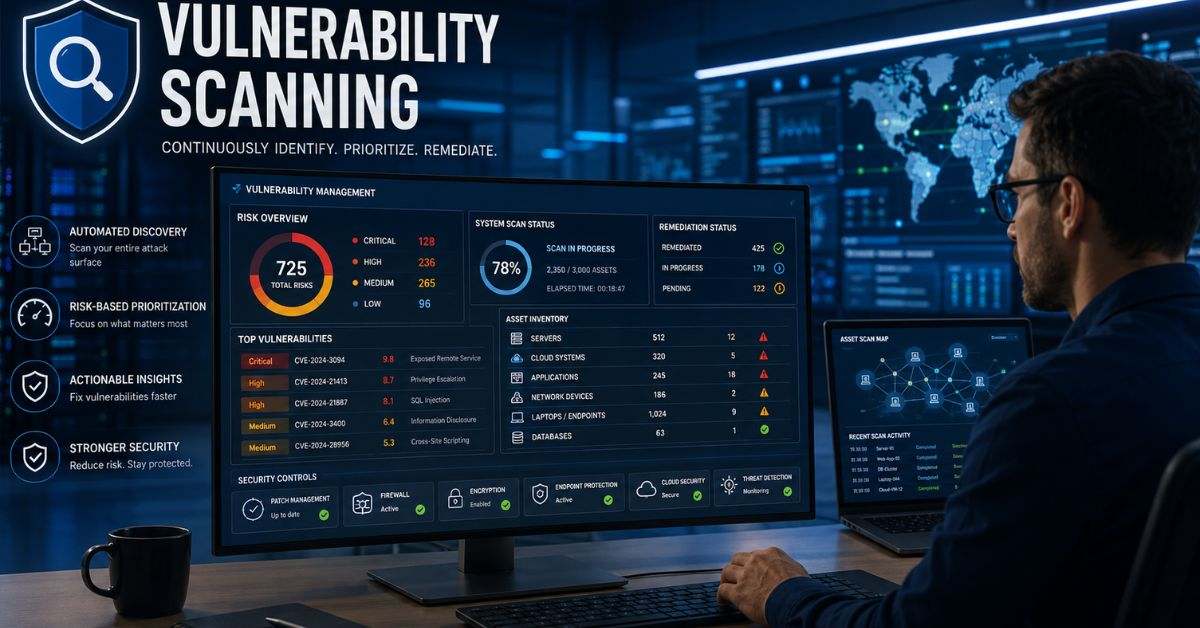
An automated cybersecurity procedure called vulnerability scanning looks for known vulnerabilities and configuration issues in IT assets. It compares technical information with security databases and creates reports showing what needs attention. When managed correctly, vulnerability scanning supports faster patching, compliance, safer cloud use, and better risk decisions.
This guide explains how vulnerability scanning works, what scanners detect, how scan types differ, and how teams prioritize and fix findings. It also covers common mistakes and useful measurements.
What Is Vulnerability Scanning?
Vulnerability scanning is the automated inspection of networks, applications, devices, and cloud resources for known security weaknesses. A scanner gathers information about software versions, open ports, running services, certificates, access settings, and installed patches.
It commonly checks for:
- Missing security updates
- Outdated or unsupported software
- Weak encryption settings
- Exposed network services
- Unsafe cloud permissions
- Vulnerable application libraries
The report usually lists the affected asset, severity, evidence, and suggested action. Vulnerability scanning saves time by reviewing many systems consistently. Teams must still validate results, remove false positives, assign owners, and confirm fixes.
How Vulnerability Scanning Works
The vulnerability scanning process begins with authorization and a clearly defined scope. Organizations decide which systems may be tested, when testing can occur, and whether sensitive production assets require special settings.
A normal workflow includes
- Discover hosts, domains, applications, and services.
- Identify operating systems, software versions, and open ports.
- Compare collected data with known flaw databases.
- Rate each finding by technical severity.
- Validate the result and examine business impact.
- Apply patches, configuration changes, or access restrictions.
- Scan again to verify the correction.
Some checks compare versions; others send controlled requests. Aggressive checks require care because fragile systems may become unstable.
Major Types of Vulnerability Scans
A complete security-scanning program uses several scan types because no single tool can examine every technology layer.
| Scan type | Main target | Typical findings |
| Network scan | Servers, routers, ports | Exposed services and weak protocols |
| Web application scan | Websites and APIs | Injection risks and unsafe settings |
| Credentialed scan | Internal systems | Missing patches and local misconfigurations |
| Cloud scan | Cloud resources | Public storage and excessive permissions |
| Container scan | Images and packages | Vulnerable libraries |
| Dependency scan | Application components | Flawed third-party code |
Credentialed scans use approved login access and provide deeper visibility. Uncredentialed scans show what an outsider may be able to discover. Combining network, application, cloud, and software-component testing reduces blind spots and improves overall coverage.
Scanning vs. Assessment and Penetration Testing
Vulnerability scanning, assessment, and penetration testing are related but serve different purposes.
| Activity | Main purpose | Typical result |
| Vulnerability scanning | Find possible known weaknesses | Automated technical report |
| Vulnerability assessment | Validate and prioritize findings | Risk-based analysis |
| Penetration testing | Attempt controlled exploitation | Evidence of real attack impact |
| Security audit | Compare controls with requirements | Compliance gaps |
A scanner may flag a risky software version. An assessment determines whether the weakness is reachable and important. A penetration tester may attempt to exploit it under approved rules. Organizations should use frequent scanning for broad coverage, assessments for context, and penetration testing for deeper analysis of critical systems.
What Vulnerability Scanners Can Detect
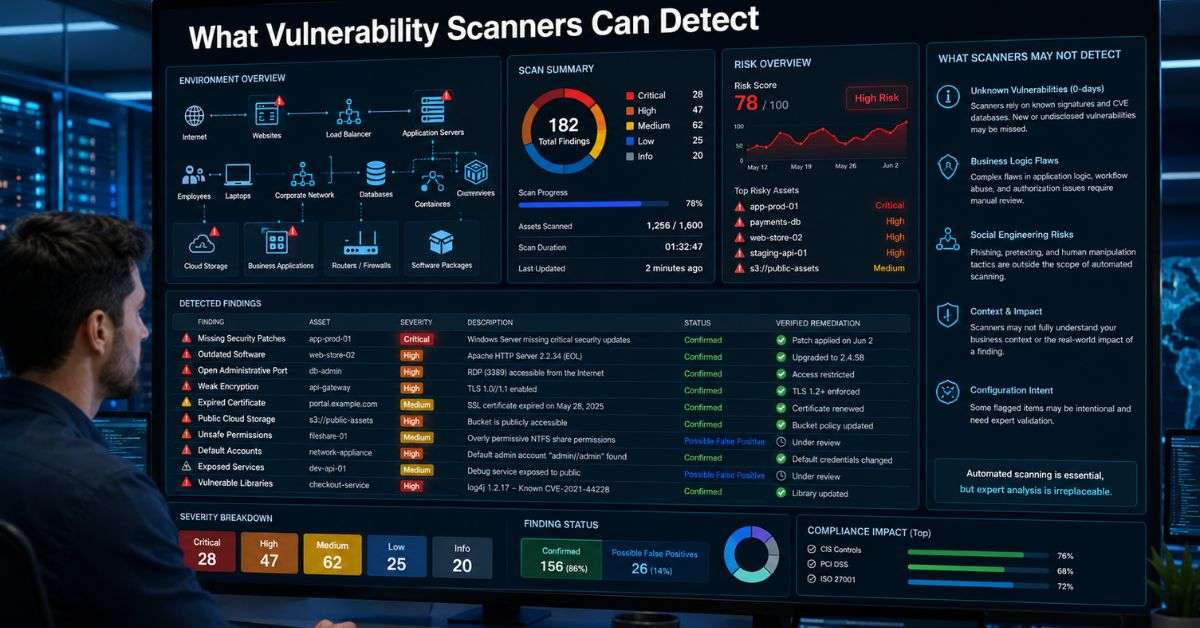
Automated scanners work best when a weakness has a known signature, affected software version, or measurable configuration condition.
Scanners can often identify
- Missing operating-system patches
- Known published vulnerabilities
- Open administrative ports
- Weak or expired certificates
- Default accounts and passwords
- Public cloud storage
- Unsupported encryption
- Vulnerable software packages
Automated tools make testing repeatable, but they may miss zero-day flaws, business-logic errors, social engineering, and multi-step attack paths. False results are possible, so human review remains essential.
Building an Effective Scanning Program
An effective vulnerability scanning program needs accurate asset records, clear ownership, safe scan settings, and a dependable remediation workflow.
Organizations should
- Maintain an updated inventory of hardware, software, domains, and cloud services.
- Identify business-critical and internet-facing assets.
- Assign every asset to a responsible owner.
- Use credentialed checks where practical.
- Protect scanning accounts and reports.
- Set correction deadlines based on risk.
- Rescan systems after remediation.
Public websites may need frequent testing, while stable internal systems may be scanned monthly. Extra scans should follow major updates, cloud changes, releases, and incidents.
Prioritizing Findings by Real Risk
A vulnerability scanning report may contain hundreds or thousands of findings. Fixing issues only by severity score can waste resources because technical severity does not always equal business risk.
Teams should consider
- Evidence of active exploitation
- Internet exposure
- Asset importance
- Data sensitivity
- Required attacker access
- Attack difficulty
- Existing security controls
- Patch or workaround availability
- Possible operational or financial damage
A medium-rated issue on a public payment server may be more urgent than a critical flaw on an isolated test machine. Good prioritization combines scores, threat intelligence, asset value, and business impact.
Remediation and Verification
Vulnerability scanning produces value only when findings lead to corrective action. Common fixes include installing patches, upgrading software, changing settings, disabling unused services, restricting network access, rotating credentials, and removing abandoned assets.
Imagine an online retailer finds an outdated remote-access service on a public server. The team limits access, reviews logs, installs the vendor update, and changes administrator credentials. It then runs vulnerability scanning again to confirm that the exposure is gone.
The team finds another outdated copy on a development server, revealing a wider patch-management problem. Rescanning and root-cause analysis help prevent recurrence.
Common Scanning Mistakes
Several mistakes can weaken a scanning program even when the selected tool is reliable.
Common problems include
- Leaving unknown cloud assets outside the scope
- Using only external scans
- Ignoring inaccurate results without review
- Prioritizing only by severity score
- Failing to assign owners
- Running unsafe checks on fragile systems
- Closing tickets without rescanning
- Storing scan credentials insecurely
- Testing only before an audit
Lower-rated findings still matter because attackers may combine small weaknesses. Repeated problems may require better templates, asset tracking, training, or change control.
Measuring and Improving Results
Organizations should measure whether vulnerability scanning actually reduces exposure. Counting every finding is not enough because totals may rise when asset discovery improves.
Useful measurements include
- Percentage of known assets scanned
- Coverage of critical systems
- Average remediation time
- Number of overdue high-risk findings
- Percentage of fixes confirmed by rescanning
- Number of reopened issues
- Age of unsupported software
- Frequency of repeated misconfigurations
Teams should review metrics alongside business and infrastructure changes. Improvement may require updated credentials, tuned policies, wider cloud coverage, automated tickets, or added container checks.
FAQs
How often should vulnerability scanning be performed?
Internet-facing and critical systems may need daily or weekly checks. Stable internal assets may be scanned monthly. Testing should also follow major updates, deployments, infrastructure changes, and incidents.
Can a scan damage a system?
Most standard checks are designed to be safe. Aggressive plugins, excessive scan speed, or fragile legacy systems can still cause disruption, so policies should be tested before production use.
Does a clean scan prove complete security?
No. Vulnerability scanning only identifies conditions the tool can reach and recognize. It may miss unknown flaws, business-logic problems, hidden assets, and complex attack chains.
What is credentialed scanning?
Credentialed scanning uses approved login access to inspect installed software, patches, packages, and local configurations. It usually provides deeper results than an outside scan.
Which weaknesses should be fixed first?
Start with actively exploited, internet-accessible flaws affecting important systems or sensitive data. Then consider attack difficulty, existing controls, available fixes, and possible business damage.
Conclusion
Vulnerability scanning is a practical way to discover known weaknesses across networks, applications, endpoints, cloud platforms, containers, and software components. It can reveal missing patches, exposed services, outdated programs, unsafe permissions, and configuration errors before attackers take advantage of them.
The process works best within a broader security program. Organizations need accurate inventories, clear ownership, risk-based prioritization, reliable patching, and follow-up testing.
Businesses should begin with their most exposed and valuable systems, choose safe settings, set realistic deadlines, and verify every important fix. When automated scanning becomes a continuous practice, it improves visibility, supports better decisions, and reduces opportunities for cybercriminals.